Features
and Live Code Editor are beautifully engineered to boost your coding productivity.
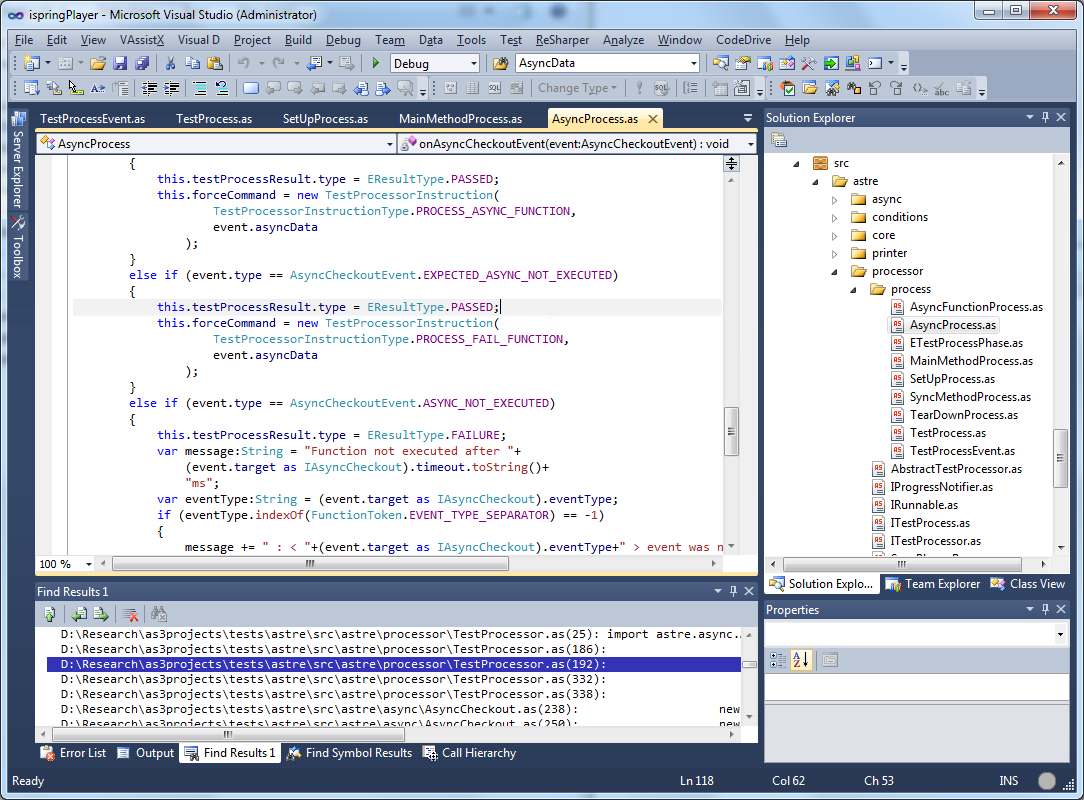
High-speed ActionScript 3 compiler
CodeDrive's optimal use of your computer resources ensures maximum performance when building your projects.
On-the-fly Code Analysis
On-the-fly code analysis helps writing clear code faster:
- detecting unreachable code
- detecting unused local variables
- detecting unused private properties
- detecting unused imports
- hidden catches
- assignments and comparisons to same variable
- empty control statements
- etc.
Detect and fix errors before project compilation. Any syntax and semantic errors
(e.g. misprints, missing closing brackets, etc.) will be detected by CodeDrive and underlined in red.
The syntax analysis runs in the background without slowing down your coding.
With CodeDrive it is no longer necessary to compile the project to make sure
there are no errors in it.
Advanced Errors and Warnings Navigation
CodeDrive displays markers on the right code window margin that can be clicked to show the exact place of an error or warning in the file.
Intelligent Code Editor
Semantic Code Highlighting
The highlighting of keywords, ASDoc tags, TODO tokens, comments, constants, XML tags and attributes makes your code easy to read and debug.
Smart Auto-Completion
Writing code is much faster with intelligent auto-completion.
When you type in several characters of the identifier name, the most appropriate identifiers for the context are suggested in the auto-completion window.
You can either keep typing or simply choose the identifier from the list by pressing Tab to complete the code with the suggested name.
Parameter Info
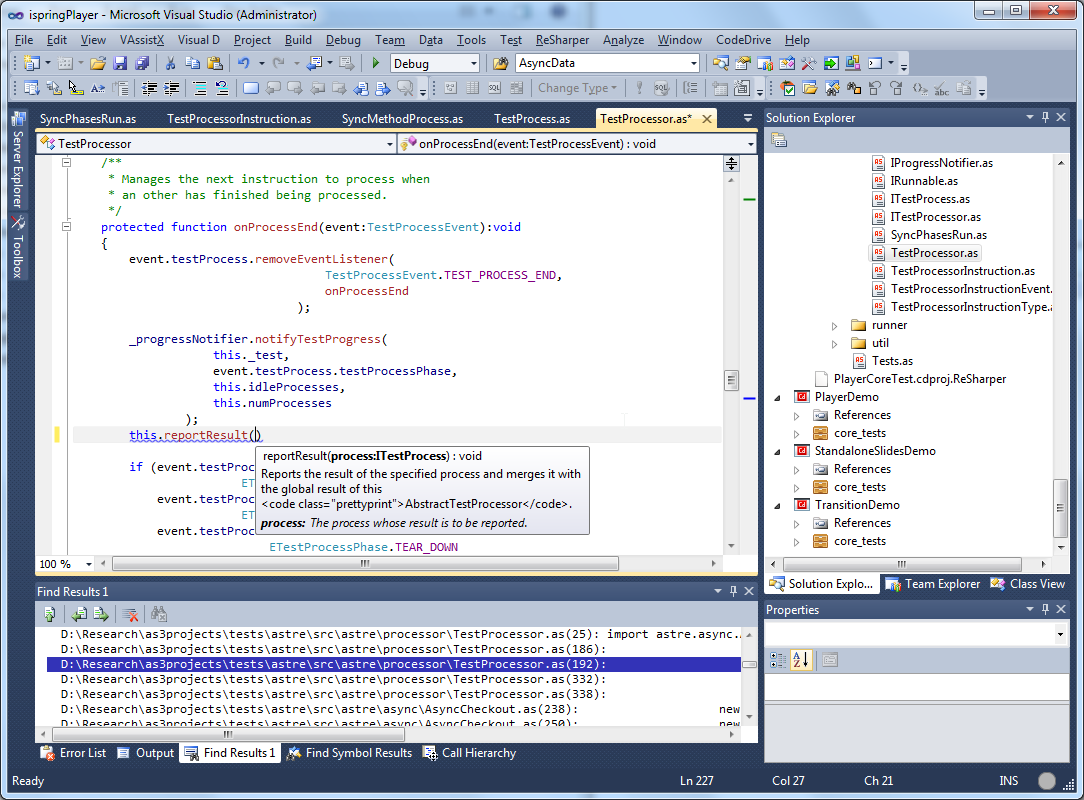
Writing parameters is faster with CodeDrive Parameter Info feature which opens the Parameters list to give you information about parameters required by a function.
Quick Info
CodeDrive's Quick Info option shows the complete declaration for any identifier in your code under mouse cursor.
Auto Import
When you add a class name without an appropriate import statement, CodeDrive will automatically add such an import statement to your package.
Organize imports
CodeDrive make arranging your imports easy. Removing unused imports, sorting imports can be done in one click.
Code Snippets
CodeDrive helps you to get advantage from frequently used pieces of source code (code snippets). Using code snippets allows you to insert the frequently used code constructions with short aliases.
CodeDrive has about twenty ready-to-use code snippets built in. Code snippets makes input much faster for package, class, interface, method, constructor and key ActionScript constructions like if, do..while, while, try...finally.
Auto-closing Braces
CodeDrive helps you write code faster automatically closing braces for expressions and blocks. When you type ( or [ CodeDrive will automatically add closing ) or ] on the same line. When you type { CodeDrive will add } on a new line in the corresponding position.
Highlight Matching Braces
CodeDrive helps better understanding your code highlighting pairs of matching (), [] and {} braces.
Underline color
CodeDrive underlines every color with the respective color.
Highlight Current Line
CodeDrive saves time searching for the cursor when navigating files and changing focus.
Outlining
CodeDrive allows to collapse/expand some part of your code: functions, classes, comments making your code navigation more comfortable.
And much more...
Since CodeDrive is based on Visual Studio, one of the most advanced IDEs, all standard Visual Studio features are also available for Flash developers in CodeDrive.
Easy Code Navigation and Search
Navigation Bar
CodeDrive provides Navigation Bar for moving to methods and variables within the file. Navigation Bar, displayed on top of the window, is always available for accelerating the navigation.
Go to Definition
CodeDrive helps you quickly find the definition of type, class member, local variable under the cursor. "Go to Definition" feature for the identifier under the cursor is also available and can be used with ctrl+click combination, F12 button or context menu. When you are holding control key, the identifier under the cursor is highlighted; pressing a mouse button will get you to the corresponding definition.
Find All References
CodeDrive can find all references to insert a certain variable, method or class in all files of your projects.
Go to File Member
CodeDrive accelerates navigation to a file member within a file. Alt + \ command opens the Go to File Member dialog. The file member filtering is made considering prefixes, Pascal Case and fuzzy match.
With TrackSelection option enabled, you will automatically go to the class member without this dialog closed.
Object Browser, Class View
The Object Browser allows you to select and examine the symbols available for use in your projects. You can open the Object Browser from the View menu, or by clicking the Object Browser button on the main toolbar.
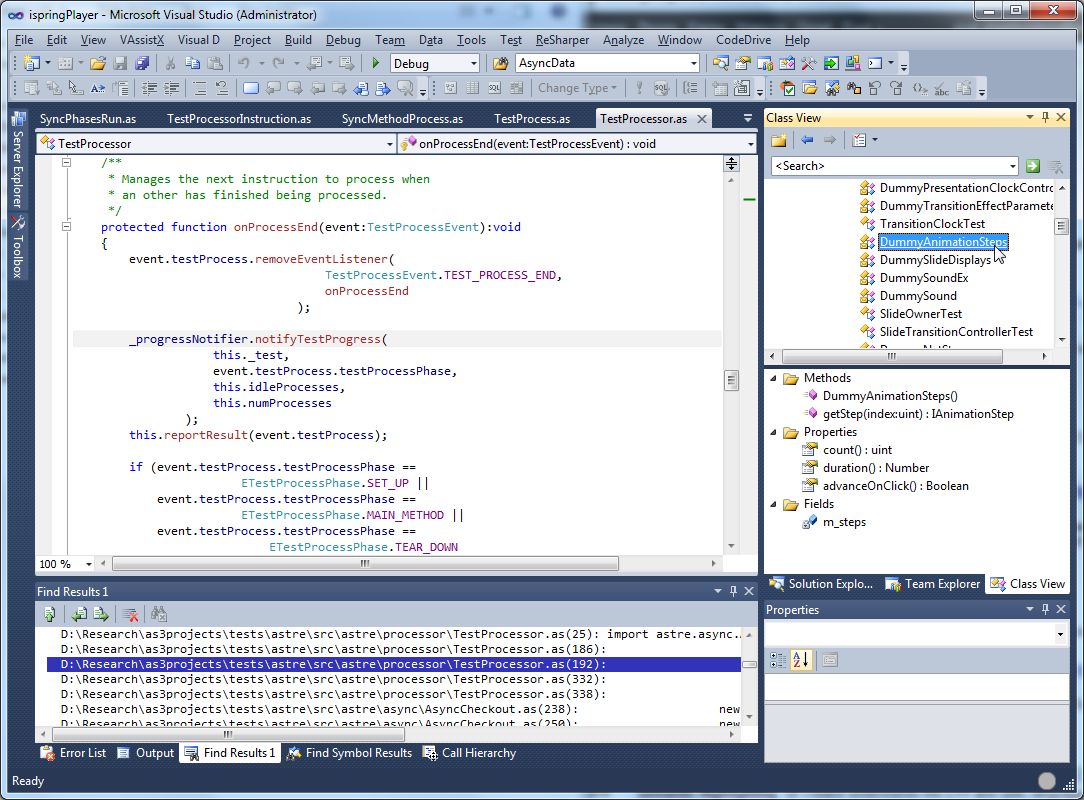
Class View helps navigating through all classes in your solution. You can look for class, property or method and easily jump to source code in your class definition.
Resource management
Managing your project resources: images, sounds, fonts and SWF files is easy with Solution Explorer. Using some other specific resource type is available through embedding such a resource as binary data, which is accessible through the ByteArray class in your code.
SWC support
The SWC Library allows you to use SWC components with already precompiled ActionScript 3 code and Flash assets in your application.
FlashLog Window
Standard Flash trace functionality is also available in CodeDrive. When running the project, you will see the result of the trace statement execution in the FlashLog Window. You only need to install the Debug version of Flash Player - no additional setup is necessary.
Debugger
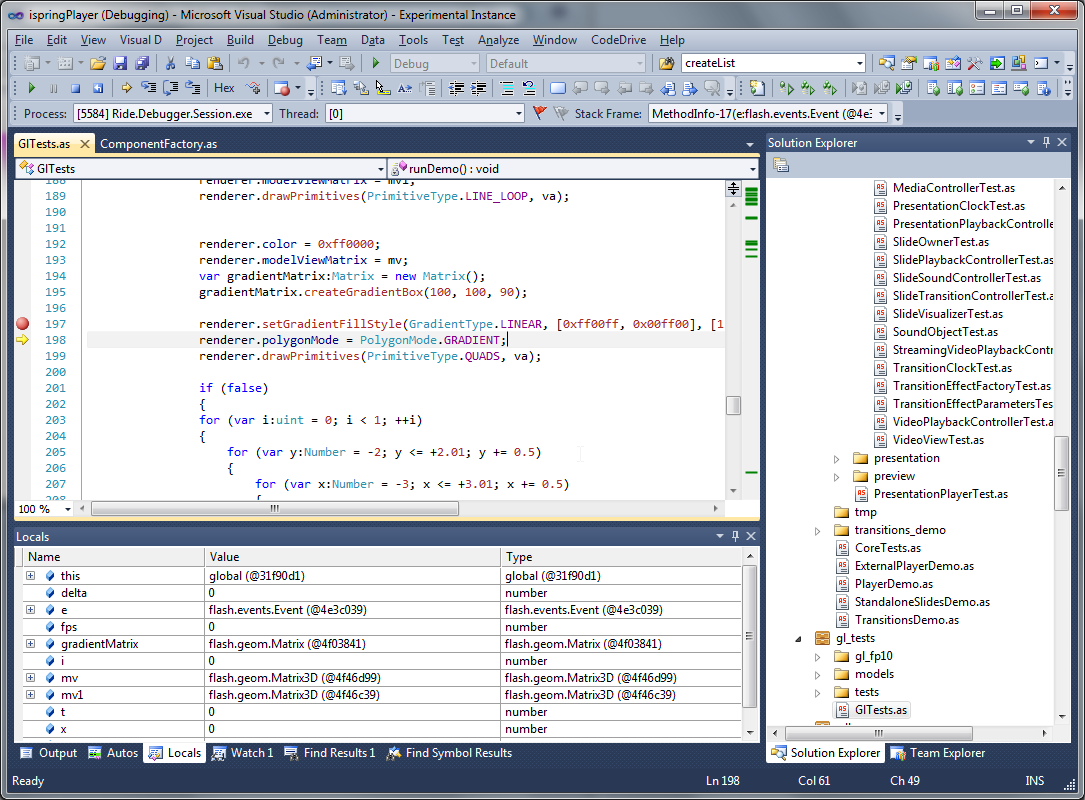
Powerful and convenient CodeDrive Flash Debugger helps find errors effectively and improve your code faster. All state of the art Flash debugging features are perfectly implemented in CodeDrive.
- Conditional and HitCount breakpoints
- Watch window
- Local Variables
- Stack Frame
- Tooltips
CodeDrive Debugger allows debugging multiple SWFs and joint debugging .NET and Flash applications in a single debugging session in your Visual Studio environment. With CodeDrive Debugger you can save time and increase productivity when debugging client-server and multi-tier applications.